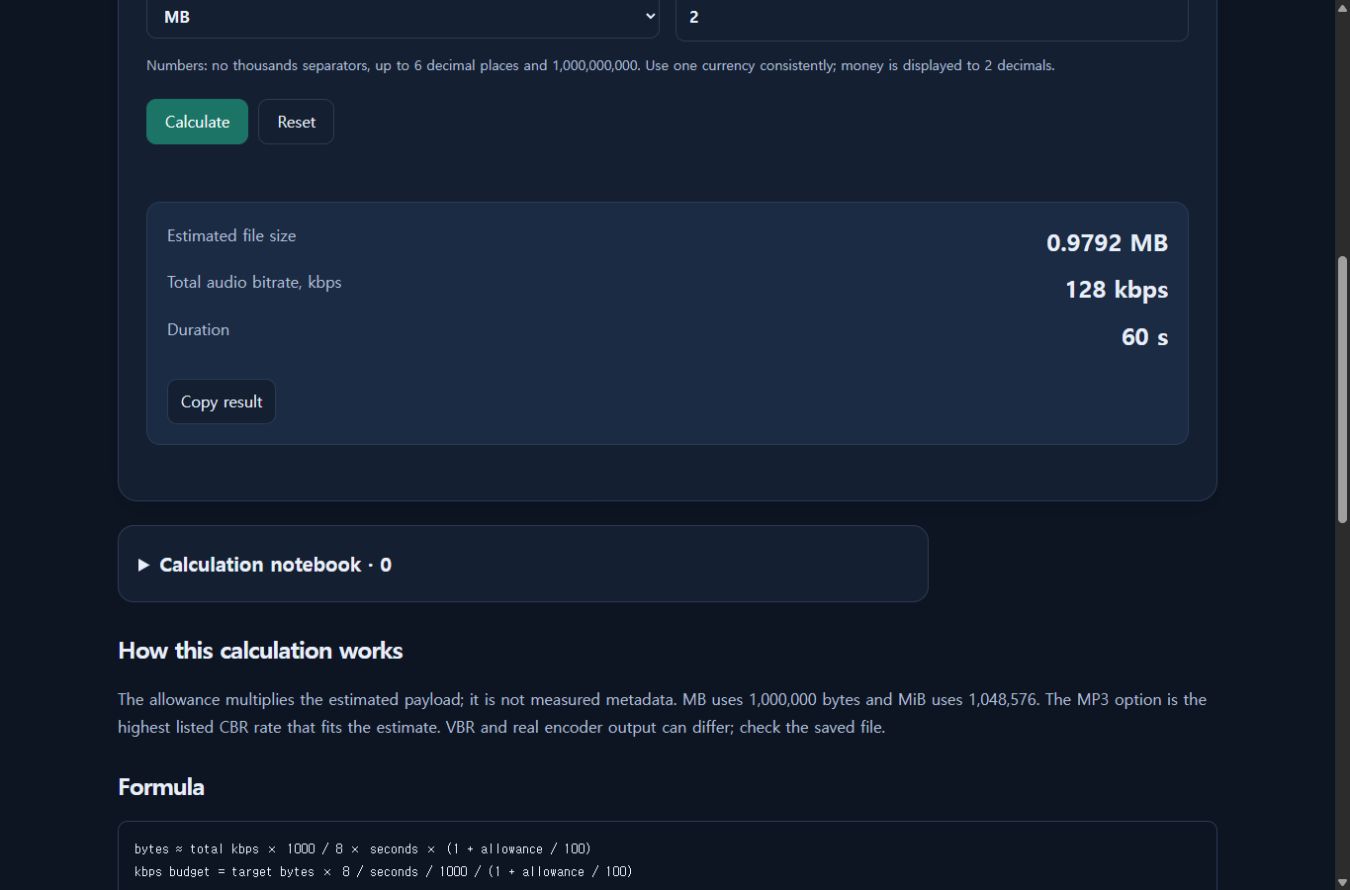
At 128 kbps, a 60-second audio stream contains 960,000 bytes of encoded payload. That is 0.96 MB, but about 0.9155 MiB. Adding the calculator’s 2% container allowance gives 0.9792 MB. These were the verified arithmetic results. They describe an estimate from bitrate and duration, not a measured export from an encoder.
Use the total encoded bitrate
The size calculation is bitrate × time ÷ 8, with the unit conversions applied. Enter the total bitrate of the encoded audio stream. Do not double a stereo MP3’s stated bitrate merely because it has two channels. PCM settings use a different starting calculation from sample rate, bit depth and channel count; do not substitute those numbers for a compressed file’s total bitrate.
MB means 1,000,000 bytes here; MiB means 1,048,576. Choosing the wrong size unit changes the budget. Read the destination’s documented limit or inspect a known accepted file rather than relying on a rounded size shown in a file manager.
Reverse the size budget and leave room
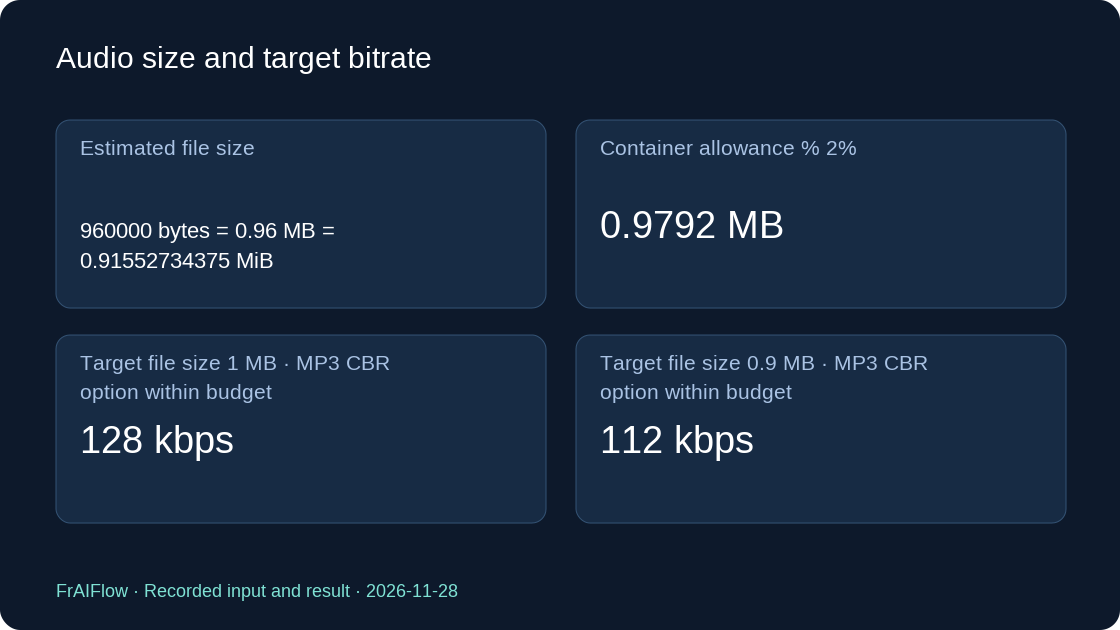
With a 1 MB limit, 60 seconds and the 2% allowance, the mathematical bitrate budget is about 130.719 kbps. The highest listed MP3 CBR option below it is 128 kbps. Reducing the target to 0.9 MB lowers the budget to about 117.647 kbps, so the listed option becomes 112 kbps. The rate list is a practical selection step after the continuous calculation.
The allowance multiplies the payload estimate; it is not a measurement of this file’s metadata. Different tags, container details and encoder behaviour can change the final size. If the limit cannot fit the lowest listed MP3 rate, the calculator shows no available option rather than suggesting an unsupported smaller value.
Check the exported file before submitting it
Record the size estimate, then choose the size-limit mode and compare the budget. Use the audio tools to make an export where the required format and settings are supported. Check the actual saved byte size, playback and duration. A size calculation cannot prove that an export sounds acceptable or that a destination accepts its codec.
CBR and VBR are not interchangeable for exact size planning. Variable bitrate follows the content, so a nominal setting is not a fixed prediction for every recording. Lowering a lossy bitrate can also reduce quality. If a file remains too large, consider its duration or the destination’s accepted formats rather than repeatedly re-encoding the same source without checking the result.
Recorded input and result
| How this calculation works | Reproducible example |
|---|---|
| Duration · Total audio bitrate, kbps | 60 s · 128 kbps |
| Estimated file size | 960000 bytes = 0.96 MB = 0.91552734375 MiB |
| Container allowance % 2% | 0.9792 MB |
| Target file size 1 MB · MP3 CBR option within budget | 128 kbps |
| Target file size 0.9 MB · MP3 CBR option within budget | 112 kbps |
Verification and scope
Verified forward/inverse size arithmetic, MB/MiB conversion, allowance inversion and unavailable-rate conditions. This is a calculator test, not an audio encoder benchmark. Actual exports must be checked separately.
Actual calculator screen · English interface