
Before sharing a camera photo, decide what needs to change: hidden tags, file size, or both. Removing metadata should not require making a new, lower-quality photograph. Our original camera JPEG exposed a gap in the cleaner; tracing that refusal led to the change and saved-file checks below.
28 November: the original camera JPEG now passes
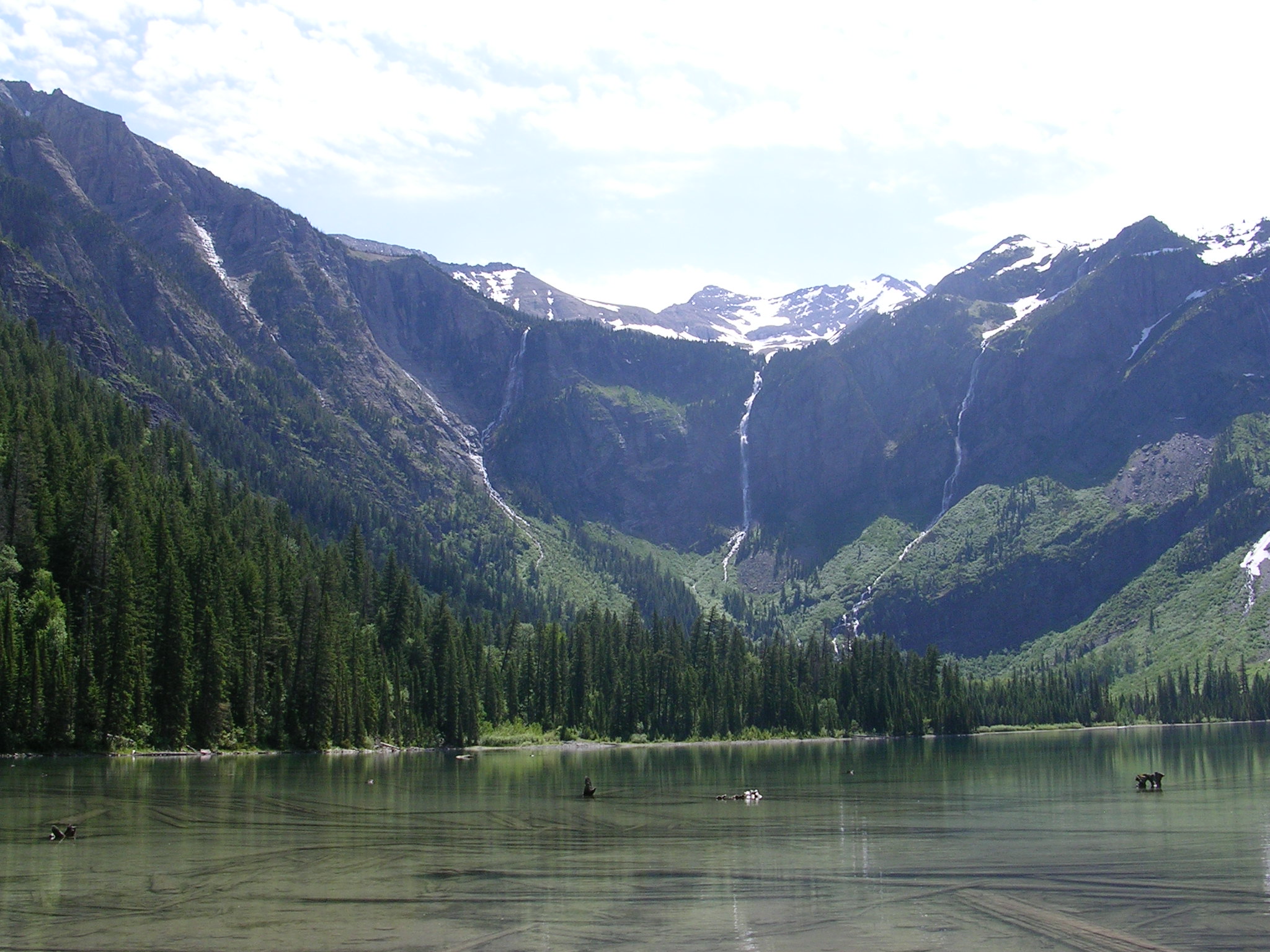
The 631,852-byte public-domain camera original was rejected on 27 November because the verifier did not support its normal EXIF thumbnail directory. We reproduced that failure and added support for one bounded thumbnail directory, checking offsets, lengths and cycles. The native browser download is now 596,453 bytes, with the retained encoded image data unchanged. A separate decoder produced the same pixels. Invalid chains and duplicate EXIF blocks remain refusals. The older download below records the previous version; it is not the current result.
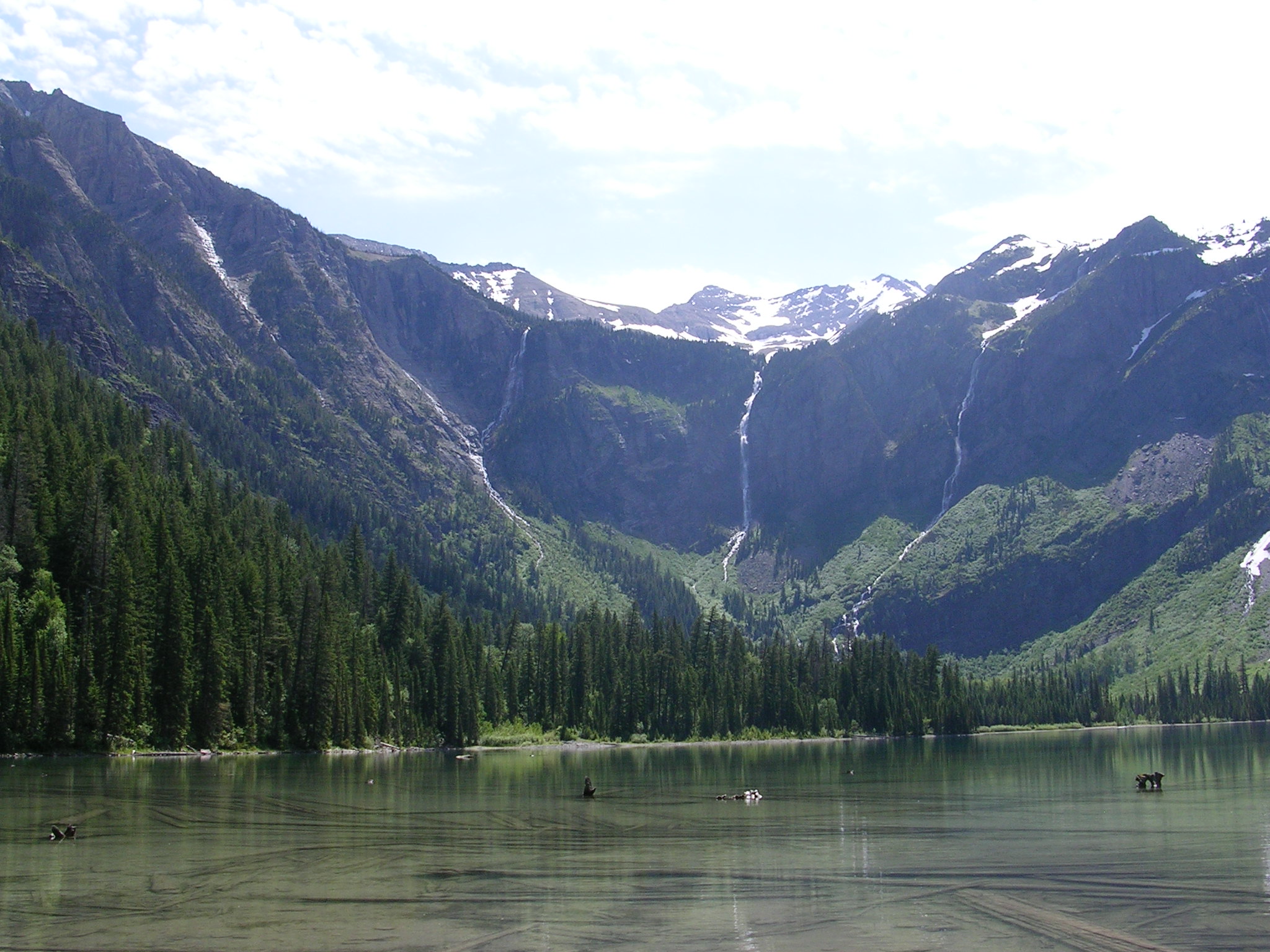
JPEG · 631852 B · Download final image · 596453 B · Download final-file report · JSON
Finish with the file you will actually send
- Create and compare candidates
- Remove supported metadata from the final JPEG or PNG · Create and check the final file
- Download final image · This saved file matches a checked final file.
Example conditions only, not an institution’s rules: JPG, at most 200 KB, at least 1200 × 1600 px. No customer information is included.
| Confirm the submission conditions | After |
|---|---|
| JPEG · ≤ 200000 B | JPEG · 198362 B |
| At least · 1200 × 1600 px | 1571 × 2222 px |
PNG · JPEG · 198362 B · Download final-file report · Download sources, saved results and reports · ZIP
The final file meets the settings shown above. Open the saved copy before sending it.
The final step checks the file after optional metadata cleanup. It checks your technical settings, not acceptance by another website. Visible faces and text stay in the image.
Prepare one final file and check its requirementsDownload final-file report · JSON · Download final image · JPEG · 596453 B
Additional tests with a camera JPEG, a screen PNG and small text
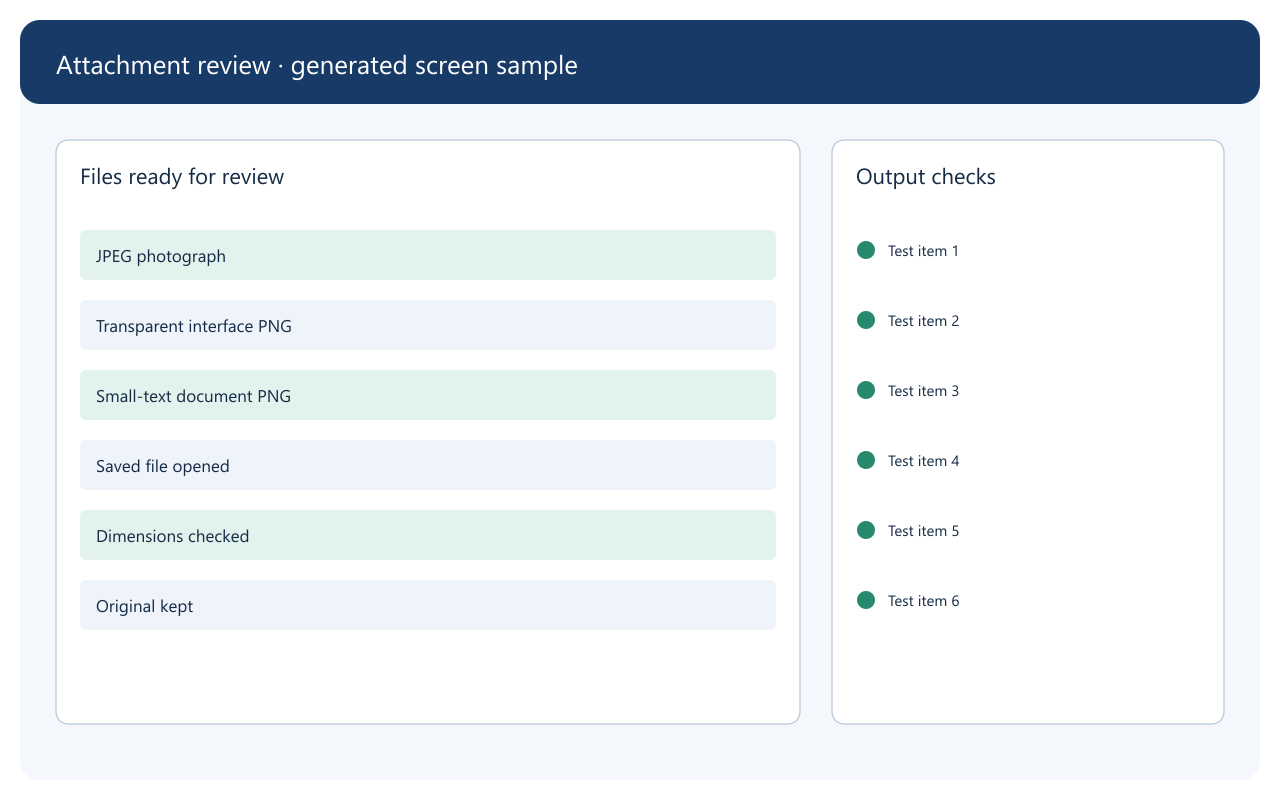
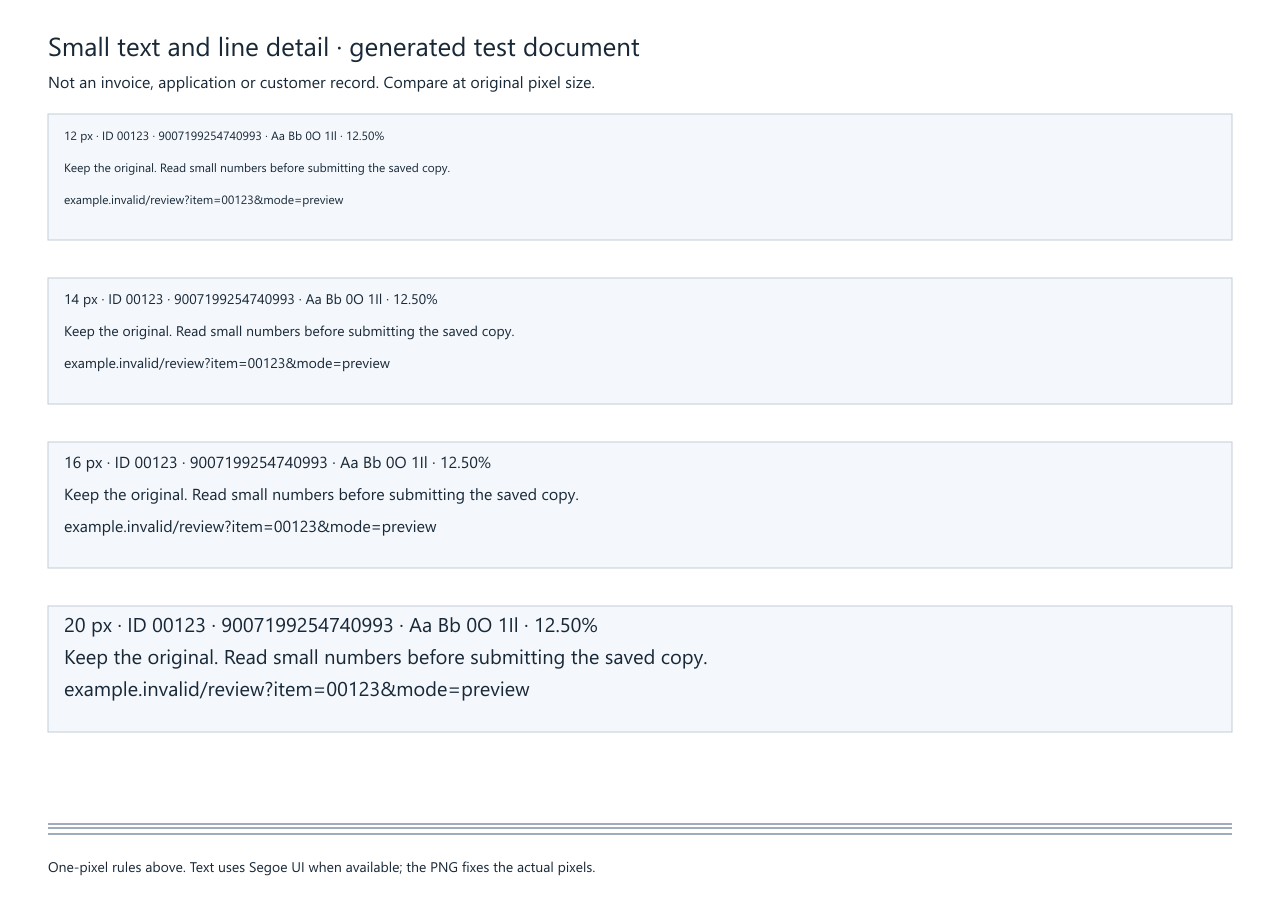
We kept the original small-pattern test and added three different inputs: an unchanged 2048 × 1536 camera photograph, a generated 1280 × 800 interface PNG with transparent margins, and a generated 1280 × 900 document PNG with 12, 14, 16 and 20 px text. The same files are used in every language; these are not customer records.
Download sources, saved results and reports · ZIP · 10.1 MB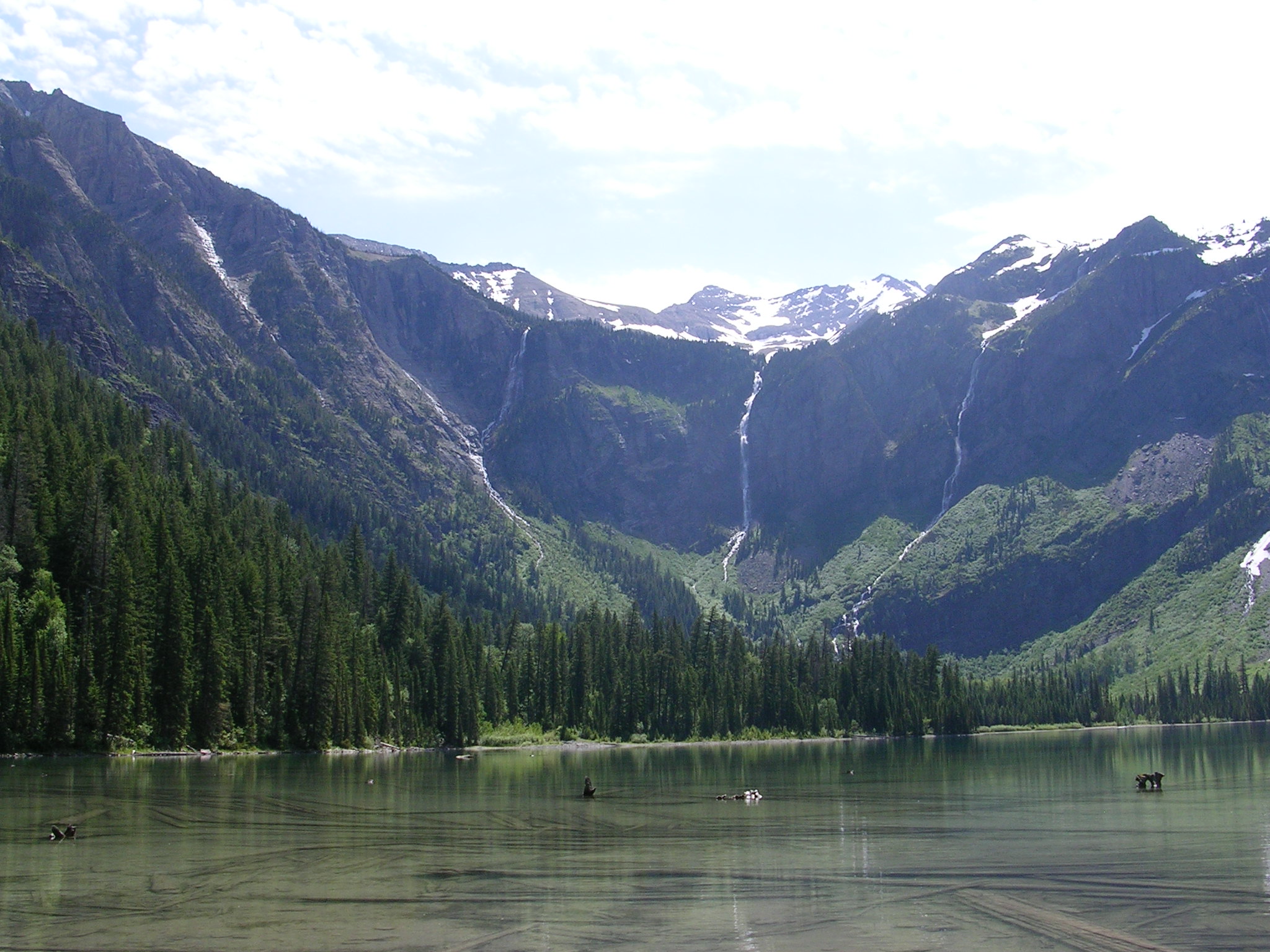
2026-11-27 · JPEG / PNG
The successful batch used photo-web.jpg, screen.png and small-text.png. The JPEG is a web export of the public-domain photo, re-encoded at quality 90 with 4:4:4 sampling and given a synthetic comment. The PNGs contain a synthetic Author entry. All three cleaned copies retained their encoded image data and decoded pixels; the supported findings fell to zero.
The successful ZIP has three numbered cleaned images and verification-report.json. It contains no original input files. The standalone JSON and the report inside the ZIP describe the same results. Neither a smaller file nor a changed hash proves that faces, visible text or every possible identifier have been removed.
| Test input | Before · B | After · B |
|---|---|---|
| photo-web.jpg → clean-001.jpg | 724729 | 724662 |
| screen.png → clean-002.png | 47814 | 47745 |
| small-text.png → clean-003.png | 92913 | 92844 |
Download · ZIP · Verification report · JSON
These measurements describe the tested browser and these files. The photograph is a credited public-domain source; both PNGs are generated test assets. Re-encoding and metadata removal are different operations. No all-file, all-browser or readability certification is claimed.
Photo: Smack, Glacier Avalanche Lake, released into the public domain. The original download is unchanged; photo-web.jpg is a disclosed re-encoded derivative. Wikimedia Commons · Smack

Earlier small-pattern test and saved evidence · 2026-11-27
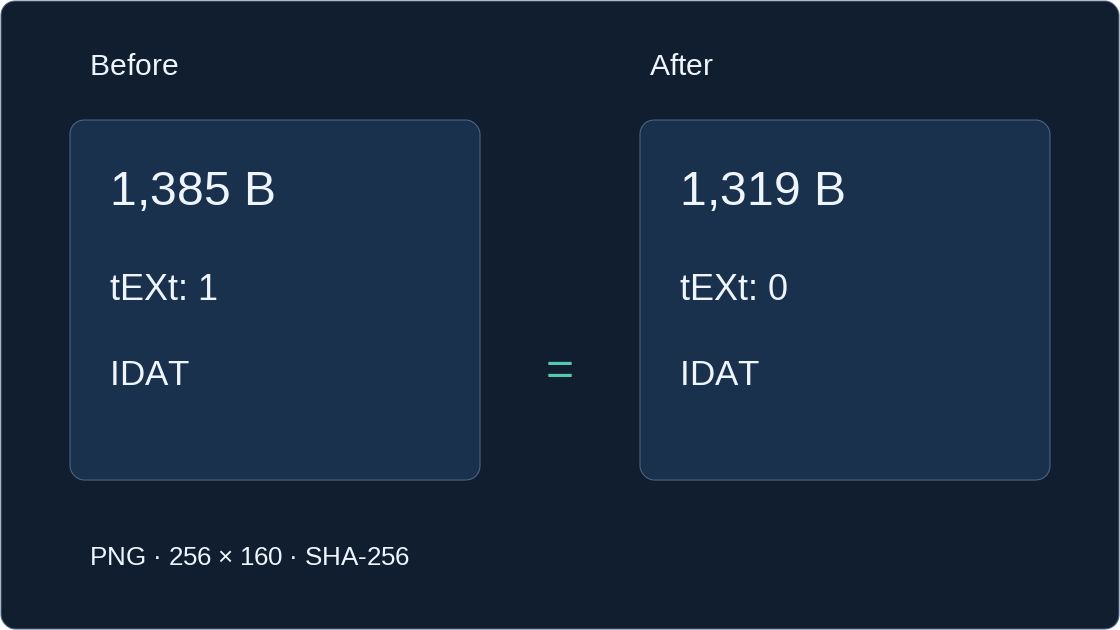
A smaller photo is not evidence that its private metadata has gone. For this test we put a synthetic Author text entry into two PNG files, cleaned them together and reopened the downloaded ZIP. Each file fell from 1,385 to 1,319 bytes. The useful result was not the 66-byte saving: the text entry was absent and the encoded image data was unchanged.
| Choose a file | Before | After |
|---|---|---|
| clean-001.png | 1,385 B | 1,319 B |
| clean-002.png | 1,385 B | 1,319 B |
Start with a batch you can account for
The batch workflow accepts at most five JPEG or PNG files with a combined size of 10 MiB. Its ZIP contains cleaned copies named clean-001, clean-002 and so on, plus a report. Original filenames are not copied into the report. Keep the source files elsewhere; the archive deliberately does not include them.
Check the file and the claim separately
The report records source and output SHA-256 hashes. Those hashes should differ when metadata changes. A matching hash would identify the exact same byte sequence, but a different hash says nothing by itself about whether the cleaning was correct. We therefore compared the retained encoded image-data bytes as a separate check.
Both downloaded PNGs retained the original IDAT data. We also reopened them with the browser decoder and checked the supported metadata findings again. This avoids treating a successful download as a successful edit. It does not certify colour appearance in every viewer, forensic anonymity or the absence of information drawn into the picture.
One bad file should produce a clear decision
We replaced the second input with a PNG whose CRC was deliberately damaged. The batch offered no ZIP. That refusal matters: a mixed archive could otherwise look complete even though one photo was never checked. Remove or repair the unsupported file, inspect it separately with the single-file checker, then rerun the batch.
After a successful run, extract the ZIP and open the copies you plan to share. Check their orientation and visible content. A face, a street sign or text captured in the image remains visible after metadata removal. If those details matter, edit the picture itself and repeat the relevant file checks on the final copy. The report supports a specific decision; it is not a promise that sharing the image is risk-free.