
A form asks for JPG under a byte limit, but your source contains small text. Start with the receiving site's rules, then compare actual files at the same pixel dimensions. In our camera test WebP was smallest, while in the compact graphic every conversion grew. The smallest file is useful only if its format is accepted and its important detail survives.
Finish with the file you will actually send
- Create and compare candidates
- Remove supported metadata from the final JPEG or PNG · Create and check the final file
- Download final image · This saved file matches a checked final file.
Example conditions only, not an institution’s rules: JPG, at most 200 KB, at least 1200 × 1600 px. No customer information is included.
| Confirm the submission conditions | After |
|---|---|
| JPEG · ≤ 200000 B | JPEG · 198362 B |
| At least · 1200 × 1600 px | 1571 × 2222 px |
PNG · JPEG · 198362 B · Download final-file report · Download sources, saved results and reports · ZIP
The final file meets the settings shown above. Open the saved copy before sending it.
The final step checks the file after optional metadata cleanup. It checks your technical settings, not acceptance by another website. Visible faces and text stay in the image.
Prepare one final file and check its requirementsDownload final-file report · JSON · Download final image · JPEG · 596453 B
Large files need a separate decision. The comparison now runs away from the page's main interaction work and keeps decoded dimensions instead of silently shrinking the test. The ceiling is 24 million pixels on wide screens, 12 million on narrow screens and 15 MiB per input. Clear results stops an active comparison. These are workflow limits, not a claim that every device has enough memory. The earlier fallback remains limited to 8 million pixels and 10 MiB.
Additional tests with a camera JPEG, a screen PNG and small text
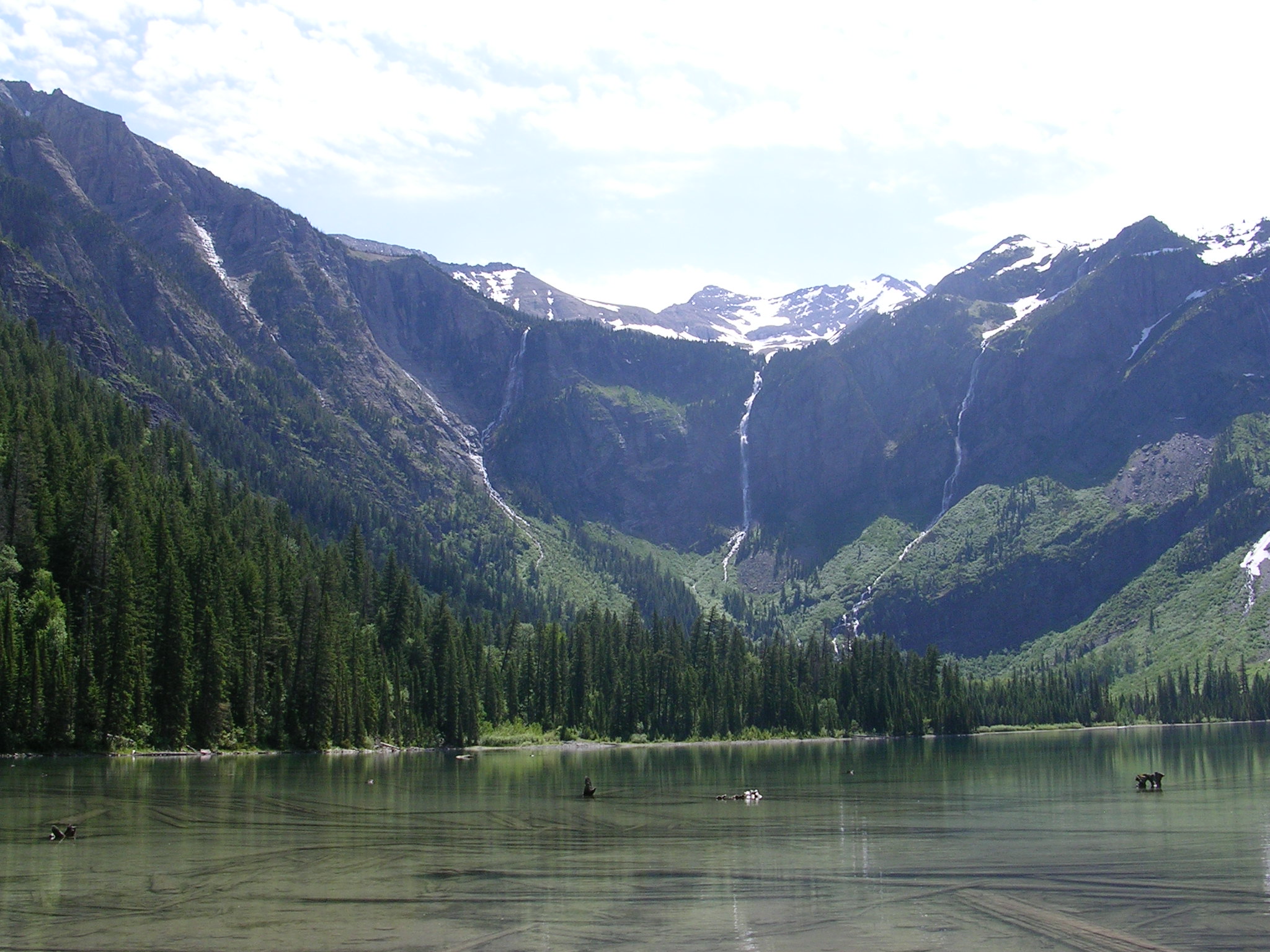
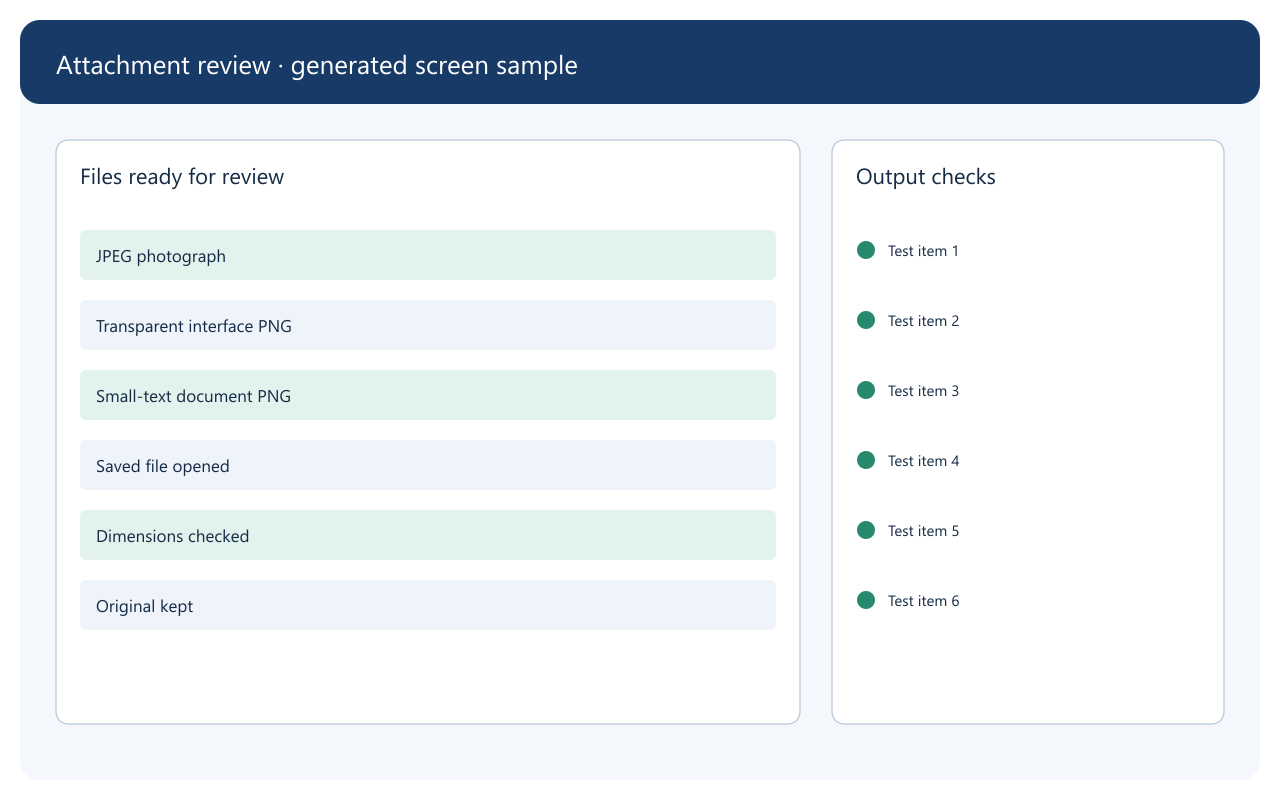
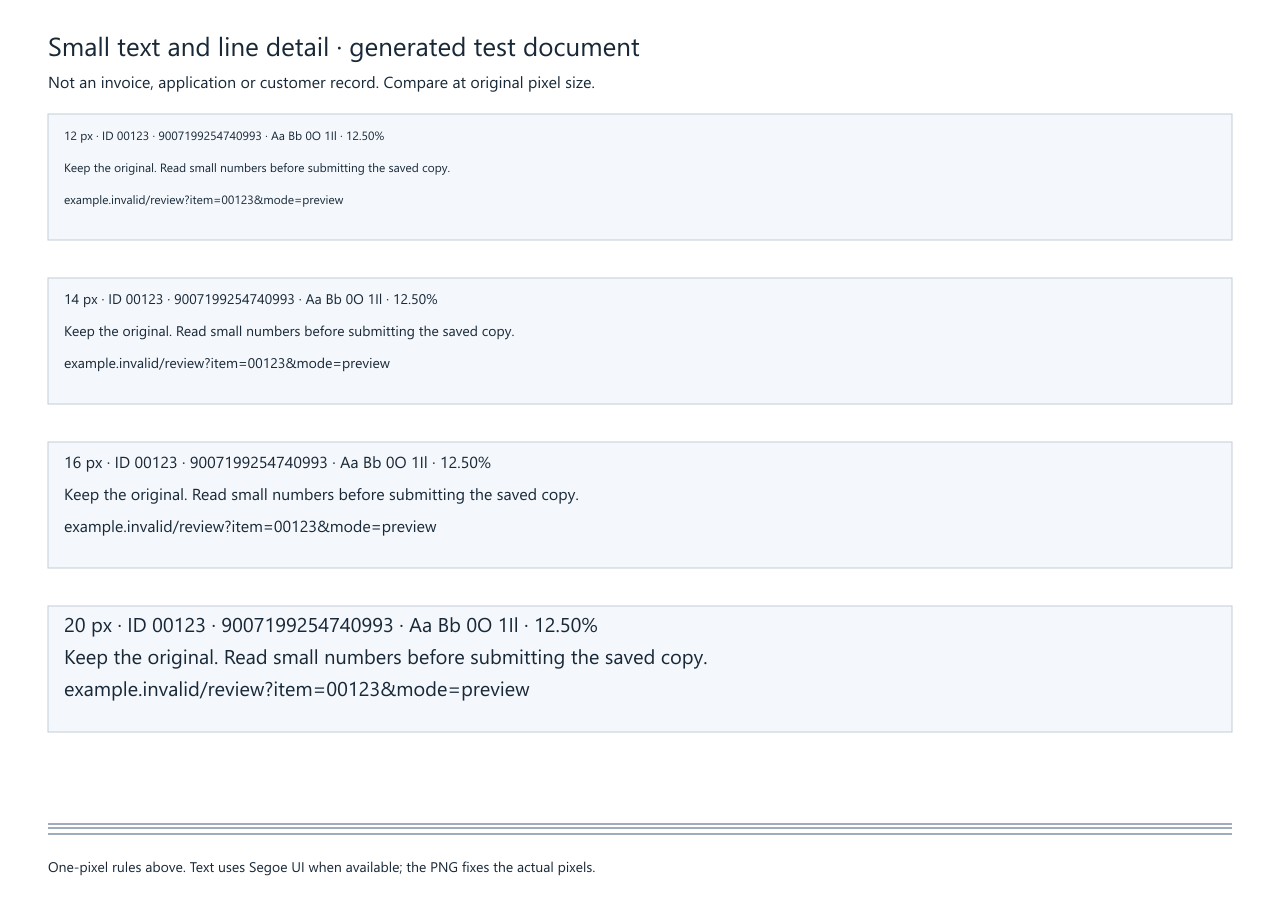
We kept the original small-pattern test and added three different inputs: an unchanged 2048 × 1536 camera photograph, a generated 1280 × 800 interface PNG with transparent margins, and a generated 1280 × 900 document PNG with 12, 14, 16 and 20 px text. The same files are used in every language; these are not customer records.
Download sources, saved results and reports · ZIP · 10.1 MB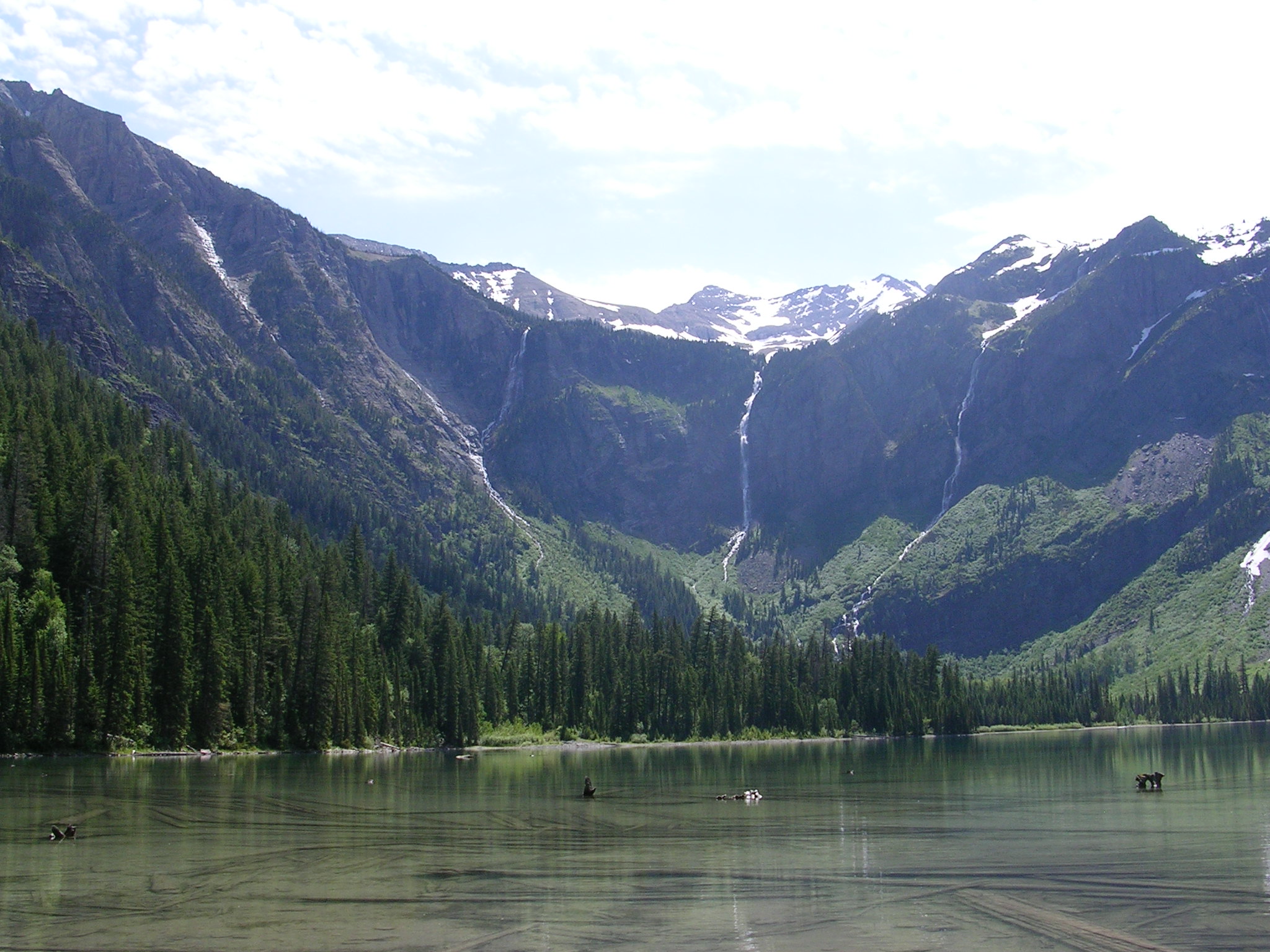
The useful output depended on the image
At a quality request of 80 and unchanged pixel dimensions, JPEG and WebP exports of the camera photograph were smaller than its source; PNG was much larger. That is the opposite of the first compact-pattern example, where every export grew. Choose using the actual file and the receiving site’s format rules, not a general claim that one format always compresses better.
The interface PNG has transparent margins. JPEG fills them with the selected white background; PNG and WebP outputs retain transparency capability. An output that is smaller but loses a required transparent edge is unsuitable. The table records actual downloaded bytes, not estimated savings.
| Test input | Before · B | JPEG · B | PNG · B | WebP · B |
|---|---|---|---|---|
| Camera photograph | 631852 | 479190 | 5439572 | 291596 |
| Transparent screen PNG | 47814 | 49409 | 82960 | 21596 |
| Small-text PNG | 92913 | 83488 | 168172 | 41822 |
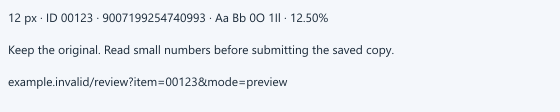
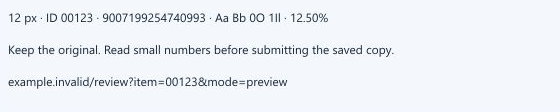
Check the 12 px text at its original pixel size
We exported the same text sheet at requests 80 and 45. In the enlarged JPEG crop, 45 produced rougher character edges in this viewing check, although the text remained recognizable. Inspect the long identifier, 0/O and 1/I/l yourself. Do not decide that a document is safe to submit from its smaller byte count alone.
The PNG export preserved every decoded RGB pixel of this generated text sheet, but its file was larger than the source. JPEG and WebP changed pixels. Pixel equality is a narrow check on this fixture, not an OCR result or a readability score. The quality request is not an equal visual-quality scale across formats.
| JPEG / WebP quality request (1–100) | JPEG · B | PNG · B | WebP · B |
|---|---|---|---|
| 80 | 83488 | 168172 | 41822 |
| 45 | 55034 | 168172 | 30982 |
Original-size crop from the actual saved file. On a narrow screen, scroll the image horizontally. The shared test text is in English.
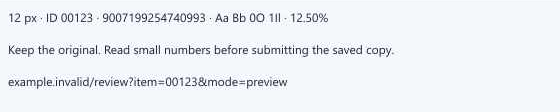
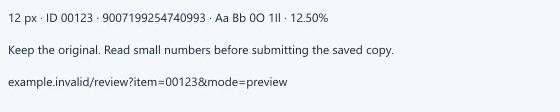
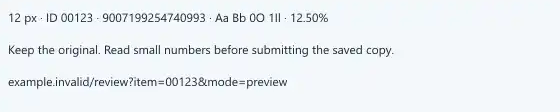
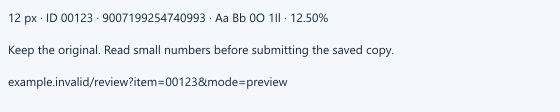
These measurements describe the tested browser and these files. The photograph is a credited public-domain source; both PNGs are generated test assets. Re-encoding and metadata removal are different operations. No all-file, all-browser or readability certification is claimed.
Photo: Smack, Glacier Avalanche Lake, released into the public domain. The original download is unchanged; photo-web.jpg is a disclosed re-encoded derivative. Wikimedia Commons · Smack

Earlier small-pattern test and saved evidence · 2026-11-27
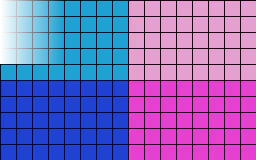
We exported the same 256 × 160 generated graphic as JPEG, PNG and WebP. The source PNG was 1,385 bytes. In the browser used for this test, the saved JPEG was 9,607 bytes, PNG was 2,846 bytes and WebP was 2,944 bytes. Every candidate was larger than the original. Changing a format label was not a compression strategy for this file.
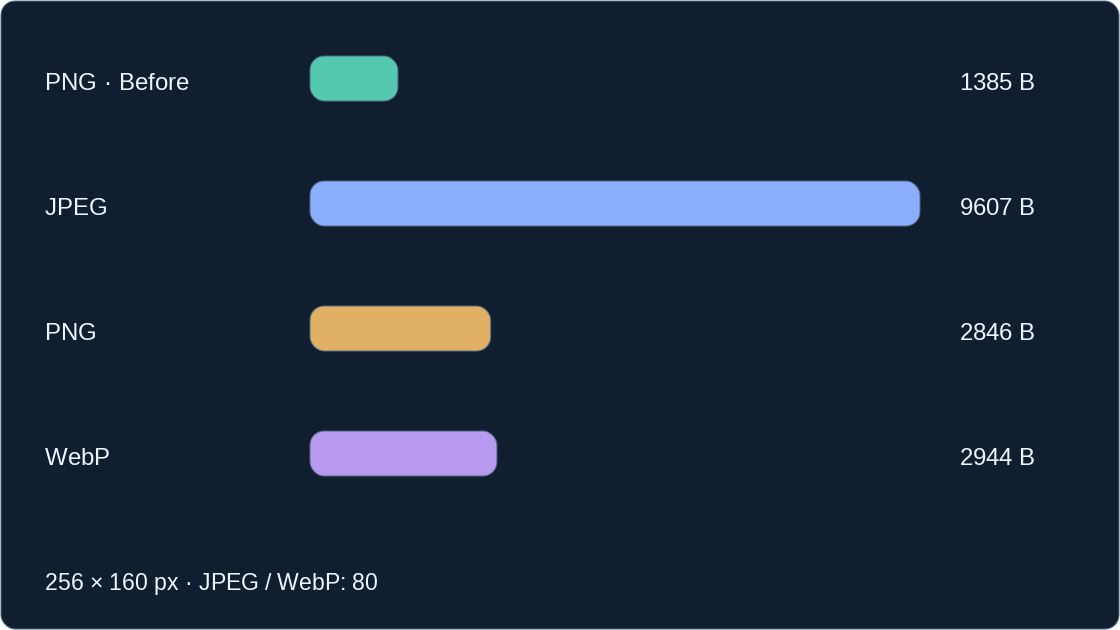
| Format | Actual bytes | Actual pixels |
|---|---|---|
| PNG · Original | 1385 | 256 × 160 |
| JPEG | 9607 | 256 × 160 |
| PNG | 2846 | 256 × 160 |
| WebP | 2944 | 256 × 160 |
Compare like-sized saved pictures
The format comparison workflow keeps the decoded pixel dimensions unchanged. That removes resizing as an explanation for the file-size difference. It encodes the candidates, checks their actual format signatures and reopens each result before reporting its dimensions and byte count. Download the set if you want to examine the files in your own viewer.
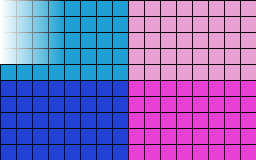
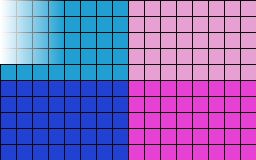
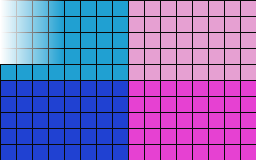
The test graphic has flat colours, a fine grid and a partly transparent region. It is not a representative photograph, and these sizes are not a benchmark for every image or browser. A different encoder, source pattern or quality request can change the result. Our source was already compact, which is precisely why keeping it was a reasonable option.
Transparency changes the comparison
The source contains 4,032 pixels whose alpha value is below 255. JPEG cannot carry that transparency, so the tool fills those pixels with the background colour you choose. PNG and the available WebP output can carry alpha. Inspect edges against the background on which the final image will appear; a small file is not useful if the edge looks wrong there.
The quality request applies to JPEG and WebP, while PNG ignores it. A value of 80 is not an equal visual-quality score across codecs. Do not conclude that the smallest candidate is automatically the best. Use the actual file, its dimensions, its transparency behaviour and the requirements of the receiving site together.
Keep the original when the conversion does not help
Large files need a separate decision. The comparison now runs away from the page's main interaction work and keeps decoded dimensions instead of silently shrinking the test. The ceiling is 24 million pixels on wide screens, 12 million on narrow screens and 15 MiB per input. Clear results stops an active comparison. These are workflow limits, not a claim that every device has enough memory. The earlier fallback remains limited to 8 million pixels and 10 MiB.
For a file-size limit, first check whether the original is already accepted. If it is too large, try a format comparison or the target-size tool, then reopen the chosen result and inspect small details. If all candidates are worse, keep the source and change a justified parameter such as pixel dimensions. The example download includes the actual saved candidates and hashes; it does not promise that your next photo will produce these same numbers.