Why JSON IDs change after parsing
A long JSON identifier can change before your formatter displays it. JavaScript Number cannot represent every integer beyond 9007199254740991 exactly. If an identifier enters that type, a neat-looking output may already contain different digits.
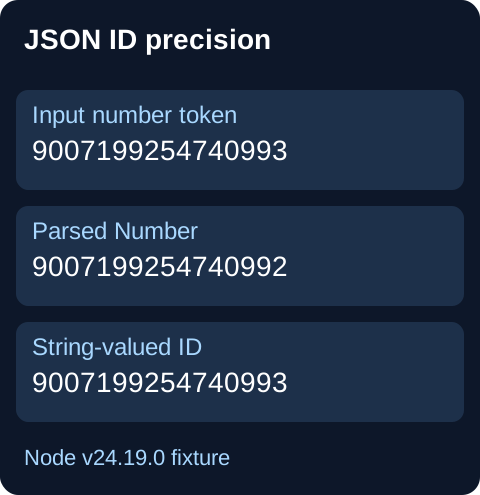
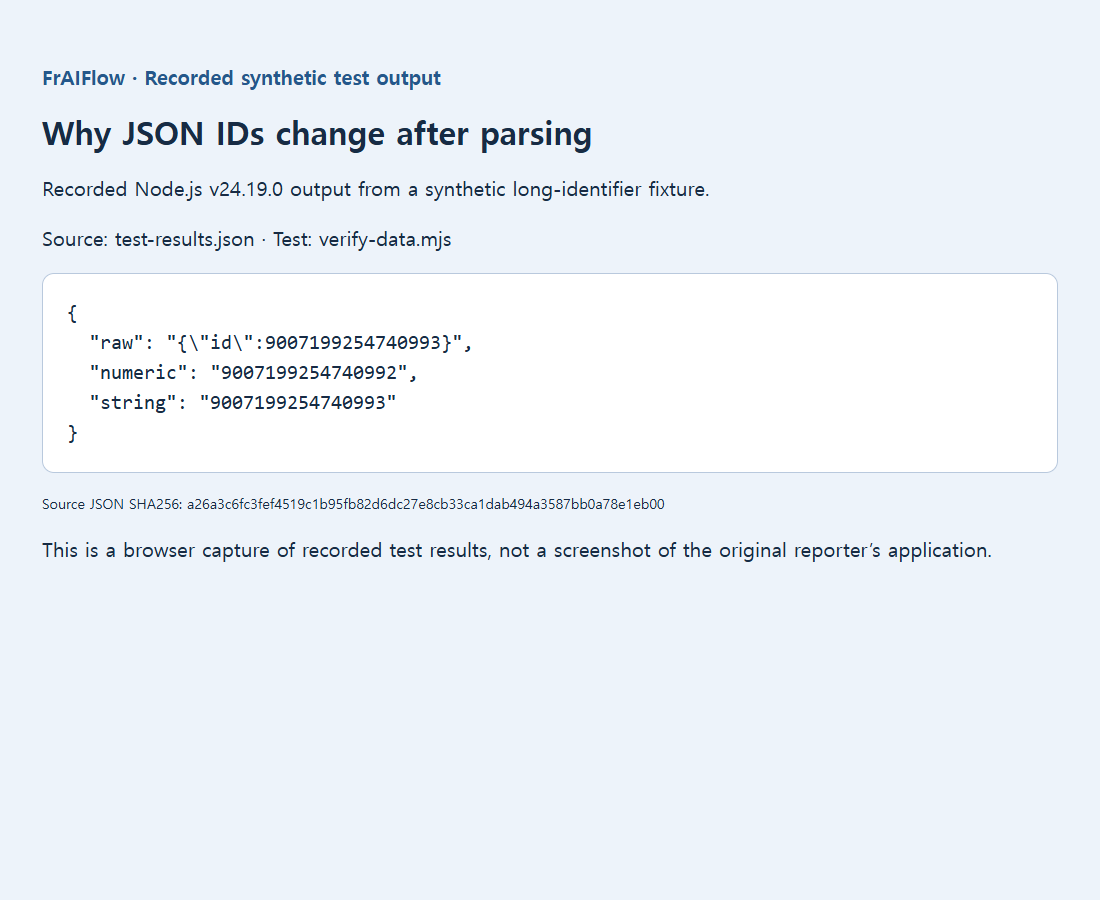
Public reports describe JSON.parse changing large numbers and precision loss in Google Apps Script. A saved Node.js test parsed numeric 9007199254740993 as 9007199254740992, while the quoted string kept its digits. This controlled result is not a live API or current FrAIFlow formatter test.
Keep the ID as text before formatting the output
Suppose an order ID ends in 993 in the response but ends in 992 after import. First compare the untouched response with the parsed object. A pretty printer cannot repair a value that was already rounded. Preserve the original response file, and avoid opening and resaving it through another numeric importer while investigating.
const numeric = JSON.parse('{"id":9007199254740993}');
const exact = JSON.parse('{"id":"9007199254740993"}');
console.log(numeric.id); // 9007199254740992
console.log(exact.id);   // 9007199254740993
console.log(typeof exact.id); // string
For an identifier, the second representation is usually the useful one. Ask the API producer to quote the ID, then check every consumer: a later Number(id) or spreadsheet import can undo the fix. A customer code does not become a quantity merely because it contains digits.
If the producer cannot change, do not parse first and try to repair later. A source-aware reviver can read the original token in supporting runtimes. The example below deliberately handles only a field named id; adapt it to your schema rather than converting every number.
let supportsSource = false;
JSON.parse("1", (key, value, context) => {
  supportsSource = context?.source === "1";
  return value;
});
if (!supportsSource) throw new Error("Use a lossless JSON parser");
const record = JSON.parse('{"id":9007199254740993}',
  (key, value, context) => {
    if (key === "id" && typeof value === "number") {
      if (!context || !/^-?\d+$/.test(context.source)) {
        throw new Error("Expected a decimal integer ID");
      }
      return context.source; // Keep the exact token as a string.
    }
    return value;
  });
console.log(record.id === "9007199254740993"); // true
Verify a value just below and just above the safe-integer boundary, then export and reimport a sample. Every digit must agree with the source. If you need arithmetic rather than identity, use a deliberate BigInt or decimal strategy and decide how the output will be serialized. Do not turn a rounded Number into BigInt and assume the missing precision has returned.
What numeric conversion can lose
An ordinary reviver receives a Number after parsing, too late to recover discarded digits. The source-aware path above depends on runtime support and the field’s schema. If unsupported, choose a token-preserving parser. Do not quote numeric tokens with a broad regular expression: it can also affect quoted content or fields that really should be numeric.
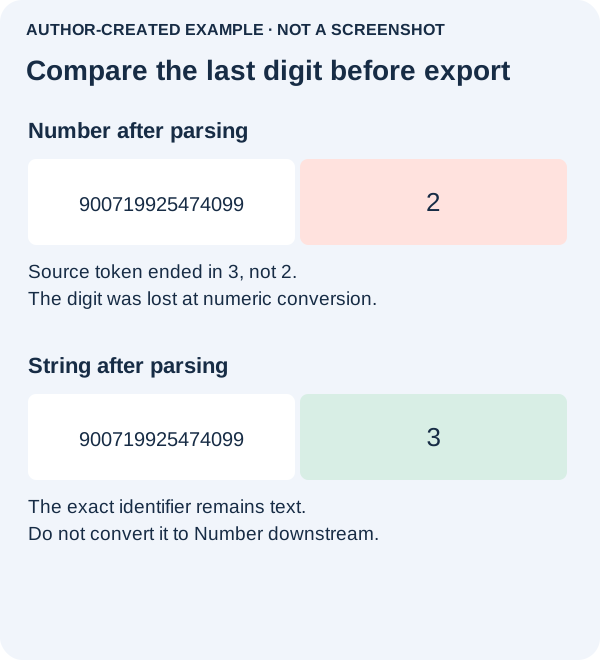
For arithmetic, construct BigInt from the original decimal string, not from an already rounded Number. Plan serialization explicitly: ordinary JSON.stringify does not directly serialize BigInt values. A display format or trailing-zero patch cannot restore the original identity.