A .mp4 filename does not turn a browser recording into MP4
A recording downloads as recording.mp4, but another player refuses it. The filename may be promising a format the browser never produced. Changing a Blob label or extension does not convert its bytes.
Keep the original download while diagnosing it
If you are using someone else's recorder, download a fresh copy and keep its original extension. Try the file in the recorder's own playback preview, if available, and then in your intended player. A preview that works while the destination refuses the file suggests a compatibility difference, but it does not identify the exact codec. Report the browser, operating system, original filename and the destination's error. Do not upload a private recording to a random conversion site simply to diagnose it.
If the file is empty, tiny or unplayable even in the recording page, changing its name is unlikely to help. The application may have saved before the final recording data arrived. A readable filename is not evidence that the recorder finished.
Check formats rather than browser names
A November 2023 report called Safari unsupported after checking a WebM/VP8 format. The discussion concerned Safari 16.4, and no final reporter-confirmed fix was posted in the reviewed material. Do not turn that history into a permanent claim about current Safari.
if (typeof MediaRecorder === "undefined") {
  throw new Error("Recording API unavailable");
}
const types = ["video/webm;codecs=vp8", "video/mp4"];
const type = types.find(t => MediaRecorder.isTypeSupported(t));
const recorder = type
  ? new MediaRecorder(stream, { mimeType: type })
  : new MediaRecorder(stream);
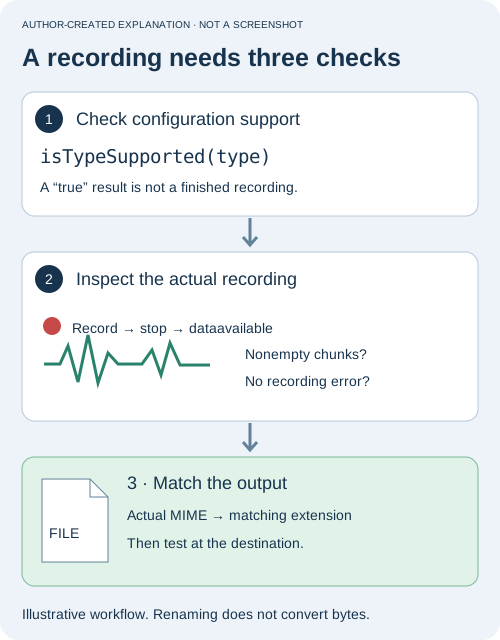
This is a video example; use suitable audio candidates for audio-only tracks. A true support result is not a guarantee of successful recording. Handle constructor, start and recorder errors, and check that nonempty data arrives.
Wait for the final data, then label the download
Use the format negotiation above when constructing the recorder, then attach event handlers before starting it. Keep all nonempty chunks, including the final one. Build the Blob in the stop handler, not immediately after calling stop(). That call begins completion; it does not hand you a finished file synchronously.
// recorder is the MediaRecorder created above.
// downloadLink is an existing <a>; status is an existing status element.
const chunks = [];
let failed = false;
let downloadURL;
recorder.addEventListener("dataavailable", event => {
  if (event.data.size > 0) chunks.push(event.data);
});
recorder.addEventListener("error", () => {
  failed = true;
  status.textContent = "Recording failed. No download was prepared.";
});
recorder.addEventListener("stop", () => {
  if (failed || !chunks.length) return;
  const type = recorder.mimeType || chunks[0].type;
  const baseType = type.split(";")[0].toLowerCase();
  const extensions = {
    "video/webm": "webm", "audio/webm": "webm",
    "video/mp4": "mp4", "audio/mp4": "m4a",
    "audio/ogg": "ogg"
  };
  const extension = extensions[baseType];
  if (!extension) {
    status.textContent = "Unknown recording type; download not labeled.";
    return;
  }
  const file = new Blob(chunks, { type });
  if (downloadURL) URL.revokeObjectURL(downloadURL);
  downloadURL = URL.createObjectURL(file);
  downloadLink.href = downloadURL;
  downloadLink.download = `recording.${extension}`;
  downloadLink.hidden = false;
  status.textContent = "Recording assembled. Download and check playback.";
});
This illustrates the completion path and assumes the surrounding application already owns an authorized MediaStream and Start/Stop controls. Catch synchronous errors from construction and start() as well. Use one chunk list per recording, release object URLs when no longer needed, and stop owned media tracks when the user finishes. This snippet has not been validated as a complete recording application.
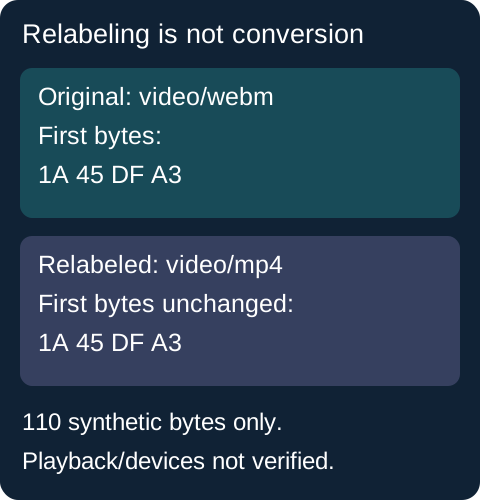
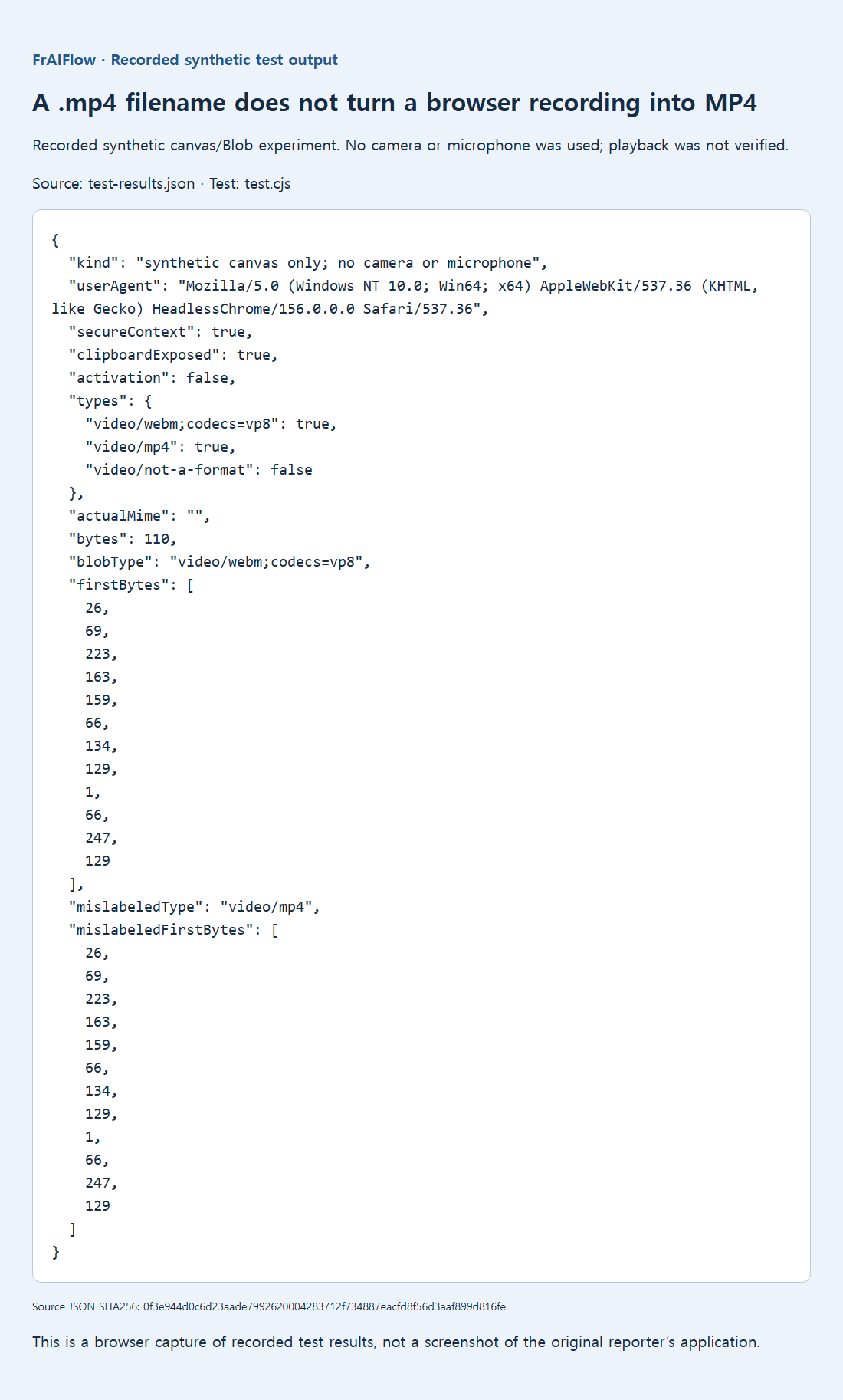
The retained Chromium 156 experiment recorded a synthetic 320 × 180 canvas without camera or microphone access. It reported support for WebM/VP8 and MP4, but the collected default output was labeled WebM/VP8. Its first four bytes were 1A 45 DF A3, an EBML-family header.
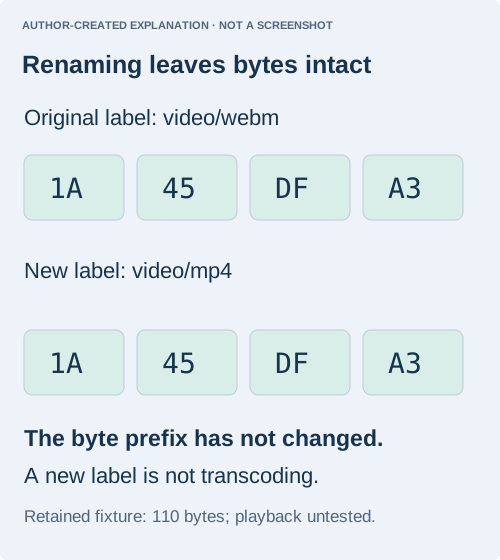
Relabeling the same 110 bytes as video/mp4 left the bytes unchanged. This tiny fixture may contain only metadata: playable frames, duration, audio and codec correctness were not verified. It proves relabeling is not conversion, not that the recording was useful.
Verify playback in the actual destination
Record a short, non-sensitive moving subject or animation; include a spoken count only if audio is part of the intended feature and permission has been granted. Download after stopping. Check that the intended player opens it, duration is plausible, motion exists throughout, and audio is present when expected. Repeat in the actual browsers you support instead of relying on a single support Boolean.
If the destination requires MP4 and the browser cannot produce a compatible MP4 configuration, offer a clearly labeled original-format download or a genuine conversion workflow. Container and codec requirements both matter. Keep the existing 110-byte experiment below as evidence about unchanged bytes only; it did not establish playable video or a successful user recording.