Copy works on localhost but fails on your website
Your Copy button works on localhost, then fails on the deployed site. First find out whether the Clipboard API is missing or whether a write is being rejected. Those failures need different fixes.
Get the text without weakening browser security
If you only need to copy a result, click inside the visible text, select it and use your operating system's Copy command. On a phone, touch and hold the text to bring up selection handles. If the page hides the result behind a broken Copy button, that is a usability problem for the site owner to fix. Do not install an extension or disable security restrictions merely to copy a short piece of text.
For the site owner, reproduce the problem on the deployed page. Check that the address begins with HTTPS, that the page is focused, and whether it is embedded in another site. A working localhost button is useful during development, but it is not evidence that the deployed origin has the same permissions.
Check the deployed page, not only localhost
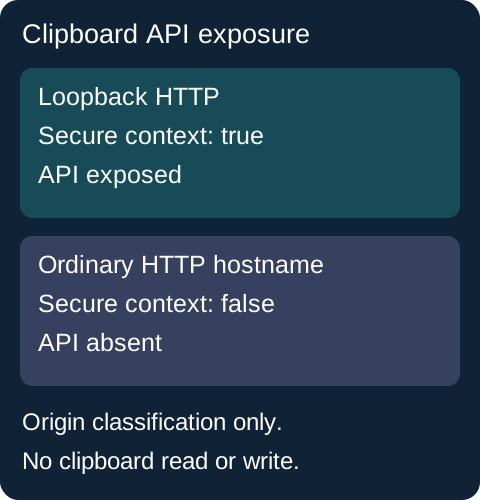
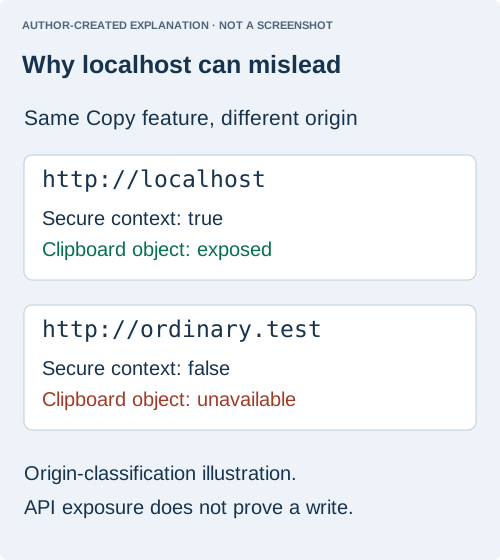
A public report from 2018 confirmed that HTTPS restored an unavailable clipboard object. Localhost can conceal this problem because loopback HTTP may be treated as trustworthy. That exception does not make an ordinary HTTP website secure.
console.table({
  secure: window.isSecureContext,
  exposed: Boolean(navigator.clipboard),
  active: navigator.userActivation?.isActive
});
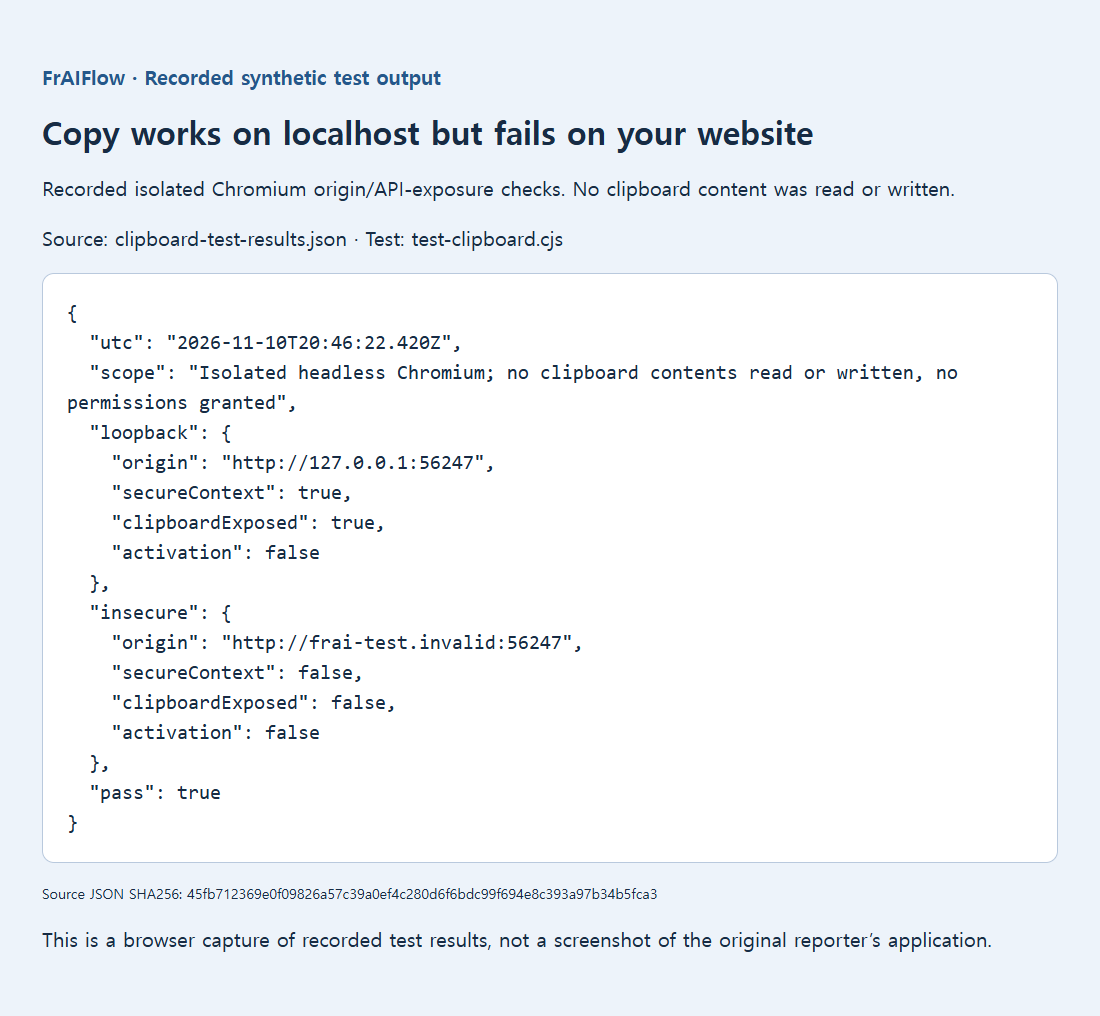
The retained isolated Chromium test compared loopback HTTP with a test hostname mapped to loopback. It measured API exposure only. No clipboard content was read or written and no permission was granted. If the deployed page is insecure, fix HTTPS delivery rather than asking visitors to disable security controls.
Keep the clipboard write inside the click
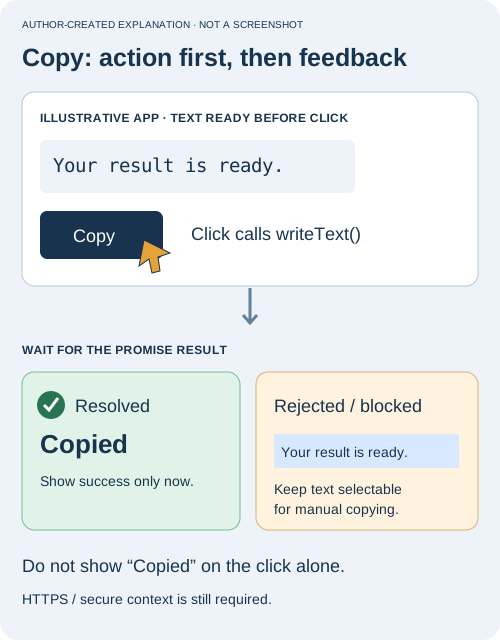
HTTPS alone does not guarantee permission. A WebKit report showed a Safari write failing after a click handler awaited a fetch. Its corrected example initiated the write during the click and supplied promised ClipboardItem data. It is not proof that all asynchronous work fails in every browser.
This minimal example keeps its text visible, starts the clipboard write directly from a real click, and shows a manual-copy instruction when the request fails. Save it in a test page served from an allowed secure origin. It does not request clipboard reading or send the text anywhere. Replace the sample textarea value with the already-prepared result in your application.
<textarea id="copy-source" readonly aria-label="Text to copy">Your finished result</textarea>
<button id="copy-button" type="button">Copy result</button>
<p id="copy-status" role="status"></p>
<script>
const source = document.getElementById("copy-source");
const status = document.getElementById("copy-status");
document.getElementById("copy-button").addEventListener("click", async () => {
  try {
    if (!window.isSecureContext || !navigator.clipboard) {
      throw new Error("Clipboard unavailable");
    }
    await navigator.clipboard.writeText(source.value);
    status.textContent = "Copied. Paste it where you need it.";
  } catch {
    source.focus();
    source.select();
    status.textContent = "Automatic copy failed. Use your device's Copy command on the selected text.";
  }
});
</script>
This is implementation guidance, not a claim of a new cross-browser test. If your result requires a network request, finish that request before enabling Copy. Avoid telling users that copying succeeded merely because the click handler ran. The resolved write promise is the point at which this example announces success.
Verify copying and keep a manual fallback
Use a short, non-sensitive sample with a newline and an accented character. Click Copy, then paste into a plain-text editor and compare the whole value. Test the manual fallback too. If automatic copying fails only inside an embedded frame, compare the top-level page with the embedded version and inspect the embedding policy with the site owner. A permission dialog or browser setting cannot be assumed to behave identically across engines.
Keep the recorded origin test below in perspective: it established whether the API was exposed, not whether this button can write in every browser. The practical goal is two usable paths: a successful copy when allowed and visible, selectable output when it is not.
Keep the text visible and selectable. An embedded page may be restricted by its parent's Permissions Policy; document focus, browser settings and platform rules also matter. Clipboard permission names and behavior differ between browsers. Check the relevant browser documentation instead of treating one Chromium result as a Safari or Firefox guarantee.