Fix a ZIP extraction path that is too long in Windows
A ZIP downloads correctly but extraction stops with 0x80010135, “Path too long.” A short archive name can hide deeply nested folders. Check the full output path before changing Windows.
A shorter extraction folder, step by step
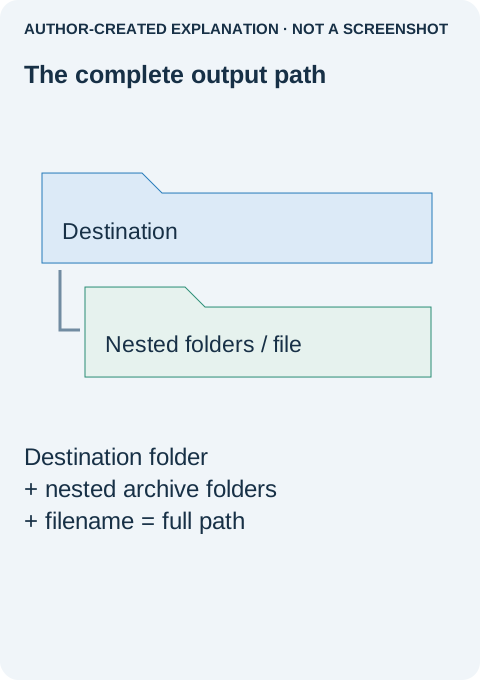
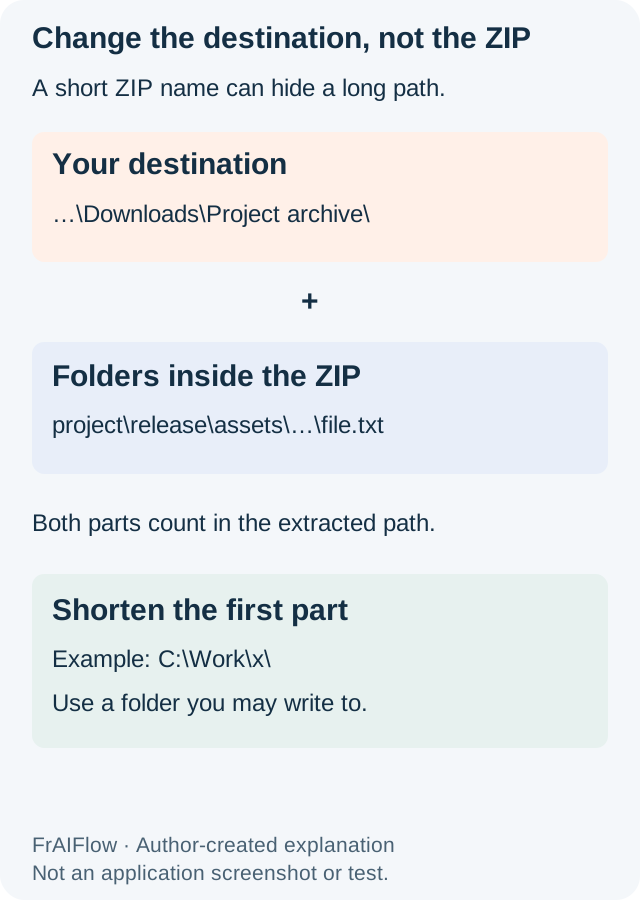
The ZIP filename is only one part of the path. Windows also adds the extraction folder and every folder stored inside the archive. That is why renaming download.zip to a.zip may make no difference.
- Keep the original archive and cancel the partial extraction. Do not mix a second attempt into the incomplete folder. A mixed folder can look complete while still missing files.
- Create a new short folder in a location you may write to. For example, use a short folder near the root of your permitted working area.
C:\Work\xillustrates the idea; if you cannot create it, choose an authorized location instead of requesting elevation or changing permissions. - Right-click the ZIP and choose Extract All. In the destination field, select the new folder and read the full path before continuing. Make sure an automatically suggested long archive-name folder has not been added again.
- Extract once and inspect the result. Check the file that failed earlier and several expected subfolders. Open ordinary documents you recognize, not an unfamiliar program just to prove extraction worked.
- Keep the short working location if moving it back causes the same error. A successful extraction does not mean every application can open the resulting files under a longer path.
If one nested filename is exceptionally long, shortening the destination may not be enough. Ask the sender for a copy with shorter folder and file names while preserving the relationships the project needs. Renaming a project's folders arbitrarily can break relative references, so keep the original archive until the replacement works.
Stop if the message changes. “Access denied,” an unsupported encryption method, or a damaged archive needs a different response. The short-path experiment is useful because it changes one variable; it is not a universal ZIP repair. The measured paths below illustrate that arithmetic, not a reproduced Windows Explorer error.
In a Microsoft support-community discussion, shortening an archive's name helped one reporter; a follow-up identified nested folders. That outcome illustrates why the complete output path matters. It does not establish that every extraction error is a path limit.
Count the parts you cannot see
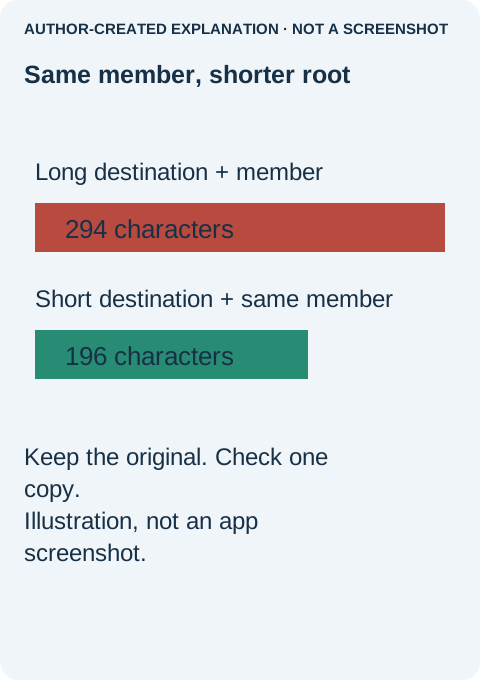
The retained two-file fixture had a 186-character internal member name. Adding a long sample destination made a 294-character Windows path; C:\Work\x made it 196, a reduction of 98. Python read both text files, checked ZIP CRCs and recovered the original bytes. The numbers count ASCII characters, excluding the terminating null. No Explorer failure was reproduced.
Do not start with a registry change
Microsoft documents the legacy MAX_PATH limit as 260 characters including the terminator. Longer-path behavior depends on system settings and application support; a Windows version alone does not prove an extractor can use it. The shell and the application opening the result may have different limits.
If a short destination still fails, note the exact message. One long internal component may require the sender to rebuild the ZIP with shorter names. Corruption or an invalid archive may instead mean an incomplete download or saved HTML page. A password prompt needs the right password and supported format. Access denied calls for an authorized writable folder, not changed permissions. Reserved names and forbidden characters are another separate issue. Preserve project structure and ask for a corrected archive rather than renaming everything blindly.