Why a PDF signature becomes invalid after editing
A signed PDF still shows the signature on its last page, but Acrobat now says there is a problem. Perhaps you compressed it for email, combined it with another document, or added a second signature. The visible mark did not move, so the warning can seem unreasonable.
The distinction is that a certificate-based signature protects a signed revision of the document, not just the appearance of a handwritten name. A later save can affect that protection even if the pages look unchanged. Keep the untouched signed file and the changed copy separately before trying to investigate.
Read the signature status before trying a repair
A pasted signature image or typed name is not the same mechanism as a certificate-based digital signature. Open the saved file in a reader that validates digital signatures; a browser that displays the page is not sufficient evidence either way.
- In Acrobat, open the Signatures panel.
- Use its Options → Validate Signatures command and read the validation details.
- Open Signature Properties to inspect the certificate information when the warning concerns the signer.
- Record the exact warning, without exposing private document content or certificate identifiers in a public support request.
Adobe's validation instructions explain these controls. Do not add an unknown certificate to your trusted identities just to make a warning disappear.
Separate an altered document from a trust problem
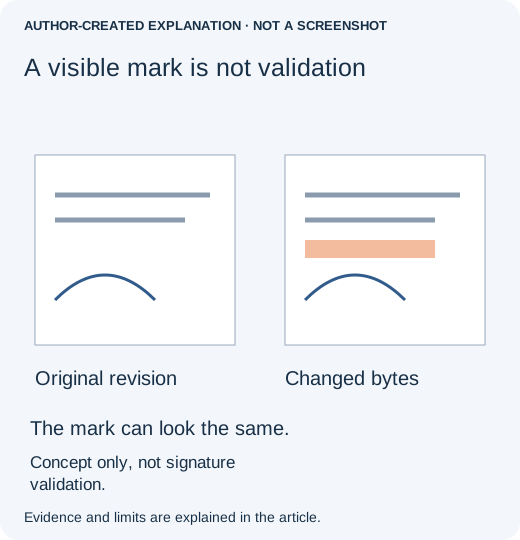
A warning about changes to the signed document calls for a comparison with the original. A warning about an untrusted identity, unavailable validation information or a timestamp is a different issue. Renaming or recompressing the file cannot establish who signed it.
Open the untouched original in the same reader. If that original validates but the edited copy does not, keep the original as the authoritative signed file while investigating the later operation. If both show a trust-related warning, contact the sender or your organization's certificate administrator rather than assuming your last edit caused it.
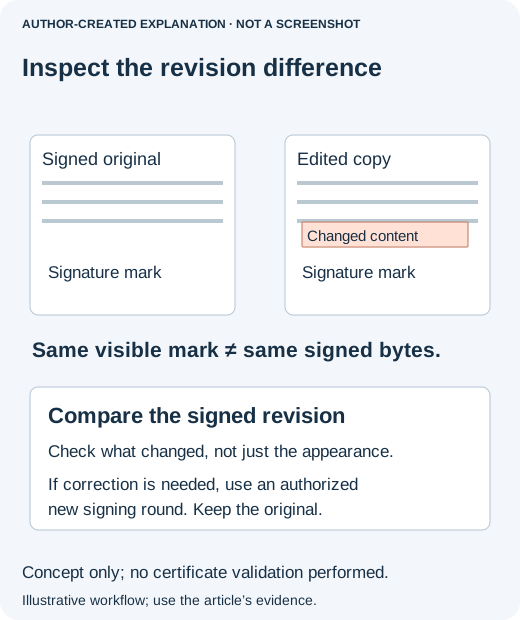
To inspect changes in Acrobat, select the relevant signature, then choose Options → Compare Signed Version to Current Version. Review what the comparison reports. Adobe's signed-version comparison guide shows the entry point. The comparison and validation answer related but different questions: what changed, and whether the signature meets the validation rules.
Choose a recovery route that preserves the evidence
- You only needed a smaller email attachment. Return to the original signed PDF. Ask the recipient about an approved secure transfer method rather than altering the signed file.
- The text of the agreement needs correcting. Ask the document owner for the unsigned source and an authorized correction-and-signing process. A visible signature copied onto revised wording is not a replacement for that process.
- Another person needs to sign. Use the original signing workflow and a supported remaining signature field, respecting the permissions of earlier signatures. Do not merge an independently signed page into the file and assume both signatures remain valid.
- You need supporting documents together. Keep the signed originals intact and ask how the recipient wants the additional material delivered. A convenient combined PDF may not preserve the originals' signature properties.
Why an apparently harmless save can matter
In pdf-lib issue 1271, a developer reported that adding a signature invalidated an earlier signature. The discussion turned to incremental updates. Its closure was not a demonstrated general repair, and the library's signature API does not itself provide specialized signature creation.
An incremental update can preserve earlier bytes, but byte preservation alone is not proof that a later change is permitted. The document's signature rules and the signing software still matter. That is why “it looks identical” and “the file saved without an error” are weak acceptance tests for signed material.
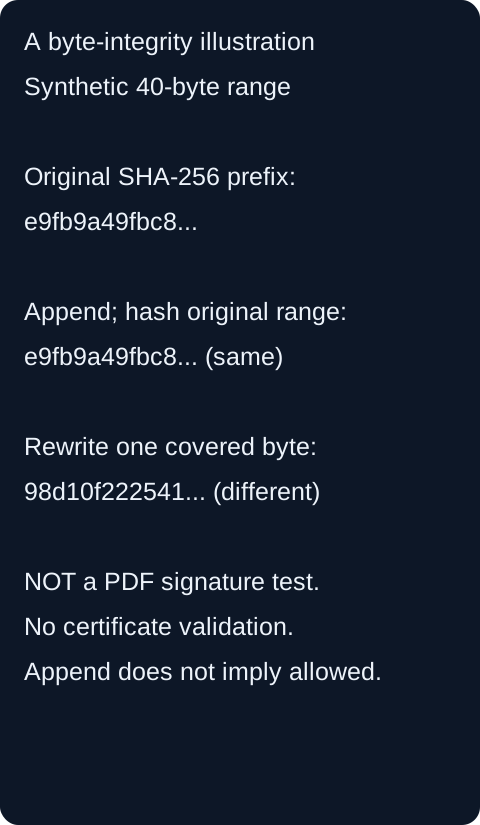
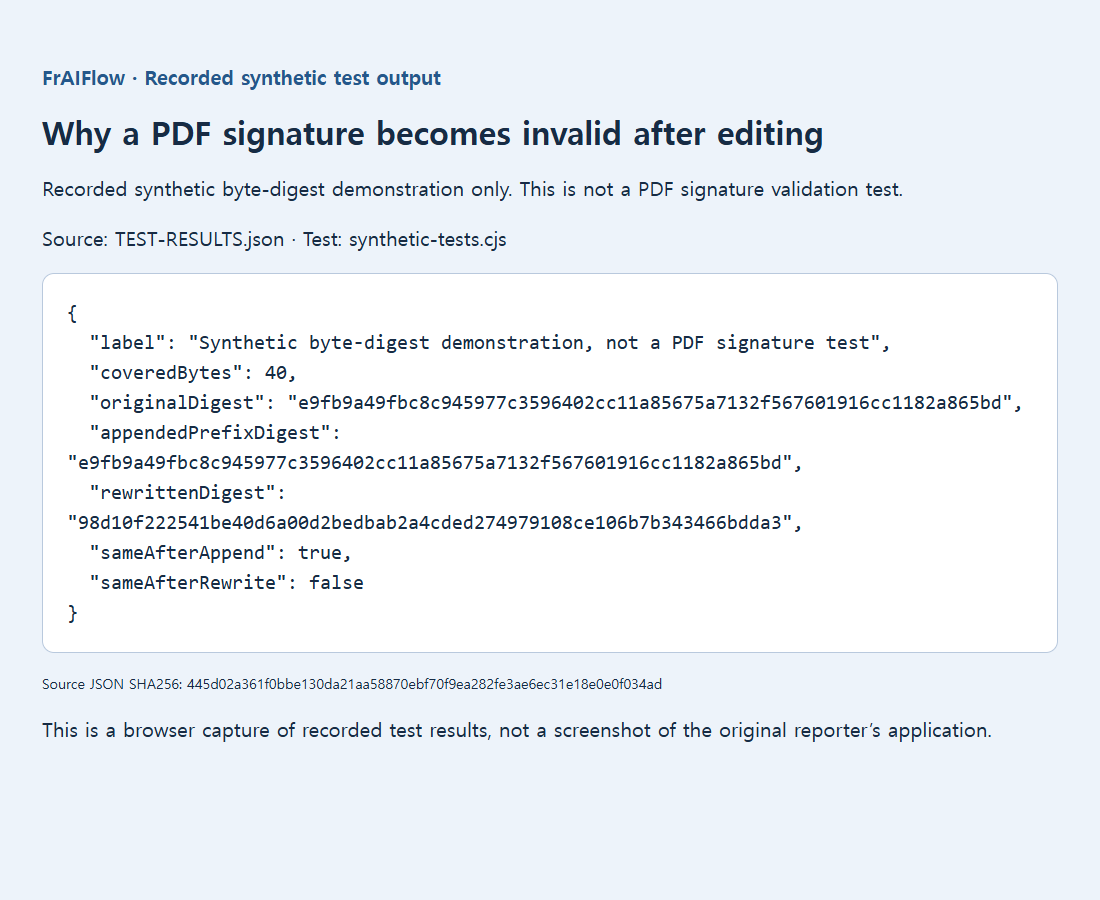
The retained illustration uses a 40-byte synthetic example: appending data outside the hashed region left that region's digest unchanged, while changing a covered byte changed it. It explains a byte-level idea only. It is not a signed PDF, a certificate test or evidence of legal validity.
What a successful outcome looks like
You have the original signed document preserved, the intended final revision identified, and every required signature checked in a suitable validator. If a correction required a new signing round, the new signatures belong to the corrected document, not merely to a copied image of an older page.
Do not print, flatten or remove a signature to hide a warning. Those steps cannot restore its cryptographic evidence. If the document affects an important agreement, use the issuer's required signing and verification process; this troubleshooting guide does not determine its legal effect.
Sources, retained evidence and related reading
- pdf-lib issue 1271
- official PDFSignature documentation
- Adobe's historical 2012 digital-signature workflow guide
- Original evidence
- Adobe's signed-PDF guidance
- compare signed versions
- validate digital signatures
- Original evidence
- Why a split PDF is still almost as large as the original
- Why filled PDF text is blank until you click a field